Introduction
Artificial intelligence (AI) has transformed the way students learn, research, write, organize, and prepare for exams. Whether you are in high school, college, or university, AI-powered tools can save time, improve productivity, and help you understand complex topics more effectively. Instead of spending hours searching for information or struggling with assignments, students can use AI assistants to generate ideas, summarize lengthy documents, create study plans, solve mathematical problems, and even practice foreign languages.
However, AI should be used responsibly. It is most effective when it supports learning rather than replacing critical thinking or academic integrity. Students who use AI to understand concepts, review material, and improve their work often gain more value than those who simply copy generated answers.
This comprehensive guide explores the best AI tools for students, their features, benefits, limitations, and practical ways to incorporate them into everyday study routines.
Why Students Are Using AI More Than Ever
Modern education demands efficiency and adaptability. Students juggle lectures, assignments, research projects, presentations, internships, and extracurricular activities. AI helps by automating repetitive tasks and providing personalized assistance.
Some common reasons students use AI include:
- Faster research and information gathering
- Grammar and writing improvements
- Brainstorming essay ideas
- Creating summaries from long notes
- Solving mathematical equations
- Learning programming concepts
- Generating flashcards and quizzes
- Organizing schedules and deadlines
- Translating text into multiple languages
- Preparing for exams
With responsible use, AI becomes a digital study partner rather than a shortcut.
Benefits of AI Tools for Students
1. Improved Productivity
AI automates repetitive work, allowing students to focus on understanding concepts instead of spending excessive time formatting documents or organizing notes.
2. Better Writing Skills
Many AI platforms suggest grammar corrections, vocabulary improvements, and sentence restructuring that make academic writing clearer and more professional.
3. Personalized Learning
Unlike traditional textbooks, AI adapts explanations to different learning styles and can simplify difficult concepts or provide advanced details depending on the student’s needs.
4. Instant Feedback
Students receive immediate explanations and corrections, helping them learn from mistakes more efficiently.
5. Time Management
AI can generate study schedules, prioritize tasks, and remind students about important deadlines.
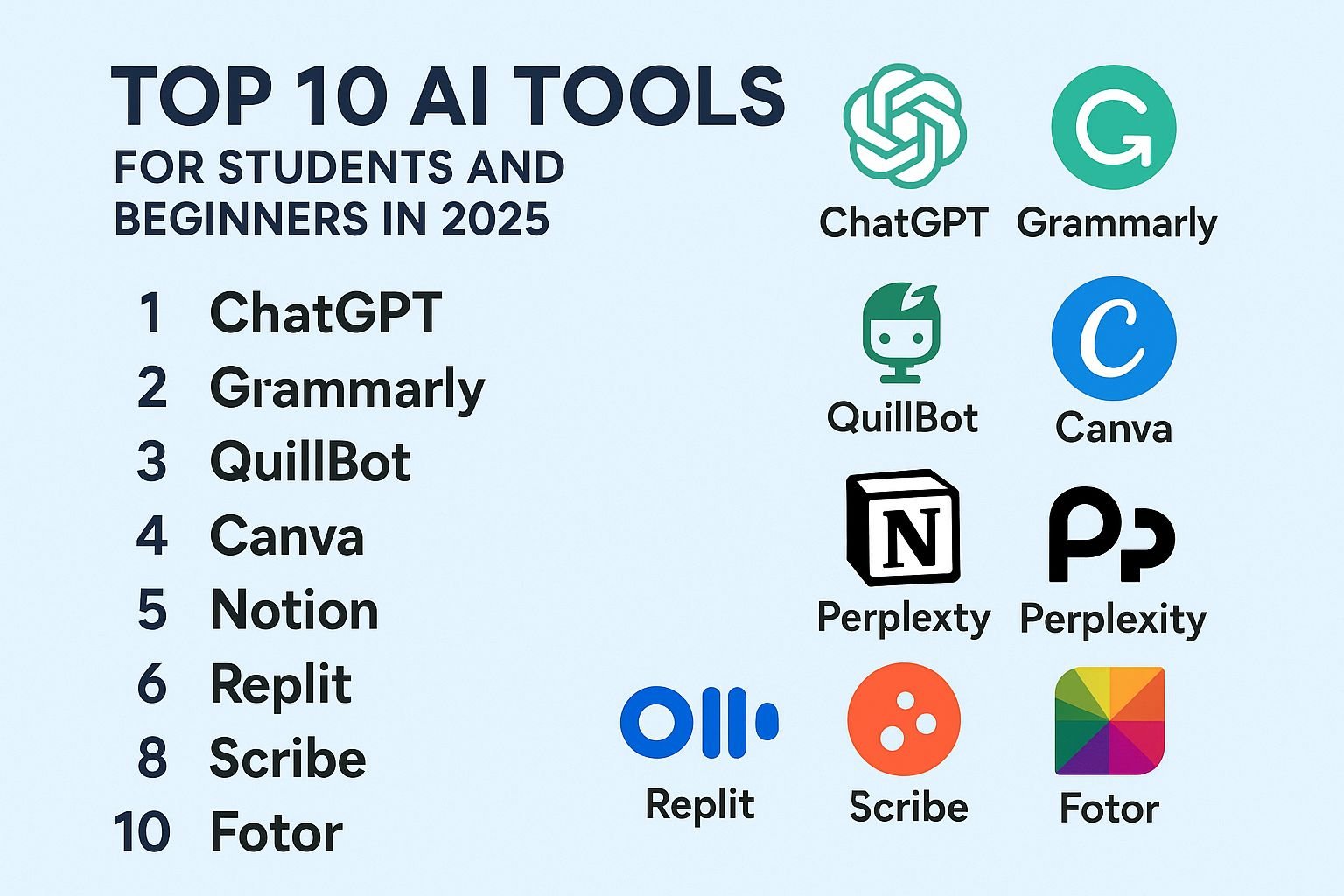
Best AI Tools for Students
1. ChatGPT
ChatGPT is one of the most versatile AI assistants available today. It helps students explain difficult topics, draft essays, brainstorm ideas, summarize research papers, generate coding examples, and prepare for interviews or exams.
Best for:
- Homework assistance
- Essay planning
- Research support
- Coding help
- Language learning
- Study explanations
Pros
- Conversational interface
- Supports multiple subjects
- Excellent brainstorming capabilities
- Useful for creative and academic writing
Cons
- Information should always be verified with reliable academic sources.
- Students should avoid submitting AI-generated work as their own.
2. Grammarly
Grammarly uses AI to improve writing quality by checking grammar, punctuation, spelling, clarity, and style.
Ideal for:
- Essays
- Research papers
- Emails
- Scholarship applications
- Personal statements
Students can significantly improve readability and professionalism before submission.
3. Notion AI
Notion AI combines note-taking with intelligent writing assistance. Students can summarize lectures, organize projects, generate outlines, and manage assignments in one workspace.
Key features include:
- Automatic summaries
- Task organization
- Content generation
- Brainstorming assistance
- Study planning
4. Perplexity AI
Perplexity AI focuses on answering questions with cited sources and research-oriented responses, making it useful for academic exploration.
Students use it to:
- Find reliable information
- Explore scientific topics
- Compare viewpoints
- Conduct preliminary research
5. Google Gemini
Google Gemini integrates AI with Google’s ecosystem, helping students analyze information, generate content, and answer questions across many subjects.
It is particularly useful for:
- Research assistance
- Content drafting
- Idea generation
- Educational explanations
6. Microsoft Copilot
Students already using Microsoft Word, Excel, and PowerPoint benefit from Copilot’s AI features.
Common uses include:
- Drafting reports
- Summarizing documents
- Creating presentations
- Data analysis
- Spreadsheet assistance
7. Quizlet AI
Quizlet enhances memorization through AI-generated flashcards and practice quizzes.
Students preparing for exams can:
- Review vocabulary
- Memorize definitions
- Practice multiple-choice questions
- Reinforce learning through repetition
8. Khanmigo
Built for education, Khanmigo provides guided learning experiences rather than simply giving answers.
Its strengths include:
- Step-by-step explanations
- Interactive tutoring
- Math assistance
- Science education
- Writing guidance
9. Canva AI
Students frequently create presentations and visual projects. Canva’s AI tools simplify graphic design and presentation creation.
Useful for:
- School presentations
- Posters
- Infographics
- Social media projects
- Visual assignments
10. Wolfram Alpha
For mathematics and science students, Wolfram Alpha remains one of the strongest computational tools available.
It supports:
- Algebra
- Calculus
- Statistics
- Chemistry
- Physics
- Engineering calculations
Rather than only providing answers, it often shows intermediate computational steps.
AI Tools for Writing Essays
Students often struggle with starting an essay or organizing ideas. AI can help generate outlines, suggest thesis statements, recommend transitions, and improve clarity.
Effective workflow:
- Brainstorm topics.
- Generate an outline.
- Write the first draft independently.
- Use AI for grammar review.
- Verify citations manually.
- Edit before submission.
This approach strengthens writing skills while maintaining originality.
AI for Research and Literature Reviews
Research projects require gathering and synthesizing information from multiple sources. AI accelerates this process by summarizing lengthy articles and identifying key themes.
Students should still:
- Read original papers.
- Check publication dates.
- Confirm factual accuracy.
- Use proper academic citations.
- Avoid relying solely on AI summaries.
AI for Studying Mathematics
Math-focused AI tools can:
- Solve equations
- Explain formulas
- Demonstrate problem-solving steps
- Generate practice exercises
- Visualize graphs
They are especially helpful when students want to understand why a solution works rather than memorizing formulas.
AI for Programming Students
Computer science students benefit greatly from AI assistants that:
- Explain code
- Debug errors
- Generate examples
- Teach algorithms
- Compare programming languages
- Document functions
Learning improves when students study the generated code instead of copying it blindly.
AI for Learning Languages
AI-powered conversation partners allow students to practice speaking and writing in multiple languages.
Features often include:
- Grammar correction
- Vocabulary suggestions
- Pronunciation guidance
- Translation assistance
- Conversation simulation
This creates more interactive language practice than static textbooks.
AI for Time Management
Academic success depends on organization. AI planners can:
- Create weekly schedules
- Prioritize assignments
- Estimate study time
- Generate revision calendars
- Track deadlines
Students balancing work and education particularly benefit from these capabilities.
AI for Note-Taking
Instead of manually reviewing lengthy lectures, AI note-taking tools can:
- Summarize transcripts
- Highlight key concepts
- Generate action items
- Organize topics automatically
- Create searchable notes
This makes revision more efficient during exam periods.
AI for Presentation Creation
Preparing presentations often requires significant design effort. AI can:
- Suggest layouts
- Generate slide content
- Design graphics
- Recommend icons
- Improve readability
Students can then customize the final presentation according to assignment requirements.
Responsible Use of AI in Education
AI should enhance learning rather than replace it. Responsible practices include:
- Verify facts independently.
- Cite all required sources.
- Follow institutional policies.
- Avoid plagiarism.
- Use AI for guidance instead of copying responses.
- Develop your own understanding before submitting assignments.
Educational institutions increasingly encourage transparent and ethical AI use.
Common Mistakes Students Should Avoid
Copying AI Output Without Editing
Generated text may contain inaccuracies or generic language. Always review and personalize content.
Ignoring Academic Integrity
Many schools prohibit submitting AI-generated work as original. Understand your institution’s policies.
Trusting Every Response
AI systems can occasionally produce outdated or incorrect information. Cross-check important facts.
Skipping Critical Thinking
Students learn best by questioning, analyzing, and evaluating information rather than accepting it automatically.
Tips for Getting Better Results from AI
- Ask clear and specific questions.
- Break large tasks into smaller requests.
- Request explanations instead of only answers.
- Compare multiple viewpoints.
- Verify statistics and citations.
- Edit AI-generated drafts carefully.
- Combine AI assistance with textbooks and instructor feedback.
Future of AI in Education
The role of AI in education is expected to expand dramatically. Personalized tutors, adaptive learning systems, automated feedback, multilingual instruction, and intelligent simulations may become common in classrooms around the world.
Future AI systems could tailor lessons to each student’s pace, identify learning gaps instantly, and provide customized practice exercises. Rather than replacing teachers, AI is likely to support educators by handling repetitive tasks and enabling more individualized instruction.
Frequently Asked Questions
Are AI tools good for students?
Yes. When used responsibly, AI tools can improve productivity, organization, writing quality, and conceptual understanding.
Can AI help with homework?
AI can explain concepts, provide examples, and assist with problem-solving, but students should complete their own work and follow academic policies.
Which AI tool is best for essay writing?
Many students use conversational AI for brainstorming and drafting while relying on grammar-focused tools for editing and polishing.
Can AI replace studying?
No. AI can support studying, but genuine learning requires active reading, practice, discussion, and critical thinking.
Is using AI considered cheating?
It depends on your school’s policies and how the tool is used. Using AI to learn or revise may be acceptable, while submitting AI-generated work as your own may violate academic integrity rules.
Conclusion
Artificial intelligence is reshaping education by giving students access to faster research, smarter study methods, personalized explanations, and improved writing support. From organizing notes and solving equations to preparing presentations and practicing languages, today’s AI tools can make learning more efficient and engaging.
The most successful students use AI as an assistant rather than a substitute for effort. By combining AI-powered insights with curiosity, independent thinking, and ethical study habits, learners can strengthen their skills and prepare for future academic and professional success.
Choosing the best AI tool depends on your goals. Some platforms excel at writing, others at mathematics, programming, organization, or research. Exploring a combination of these solutions can help students build a productive, balanced, and future-ready learning workflow.