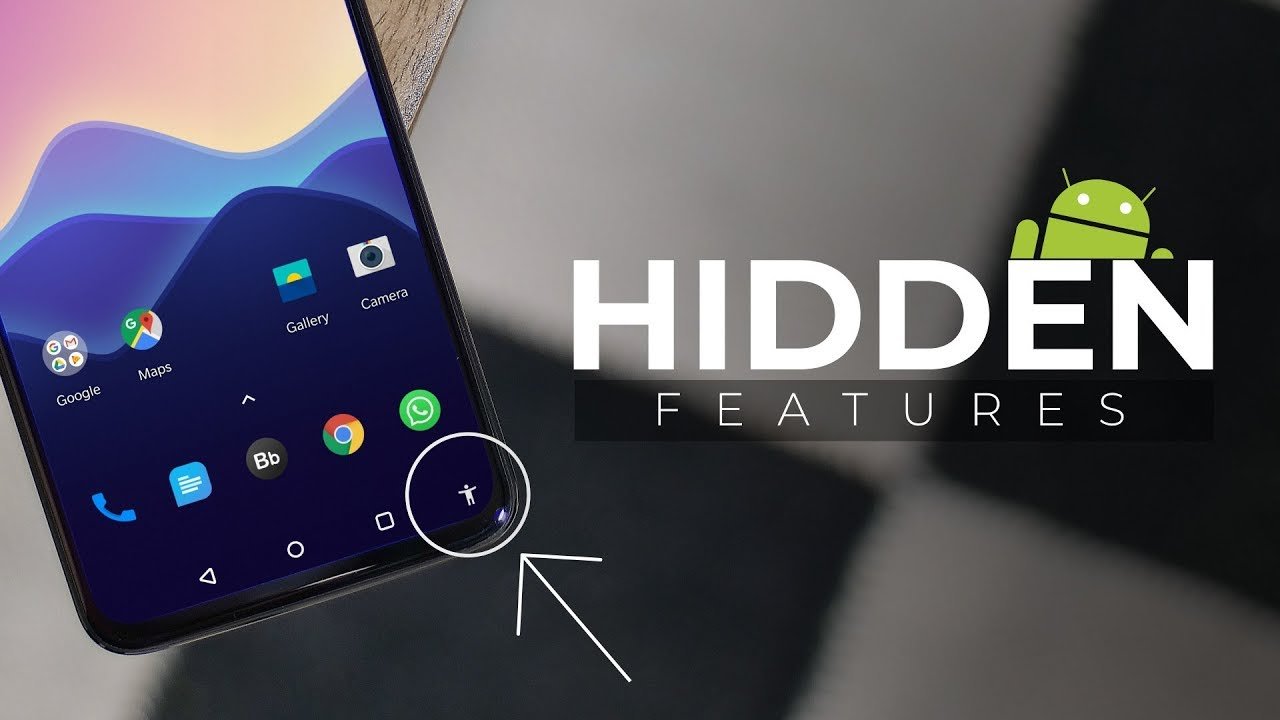
Android is one of the most powerful and flexible mobile operating systems in the world, developed by Google. While most users only use basic features like calling, messaging, social media, and browsing, Android contains a huge number of hidden tools, settings, and advanced options that can completely change how you use your smartphone.
Many of these features are not obvious. Some are buried inside developer options, some are hidden gestures, and others are built into system apps like Settings, Camera, Files, and Digital Wellbeing.
In this detailed guide, we will explore the most useful hidden Android features, how they work, and why they can improve your productivity, privacy, and overall smartphone experience.
1. Developer Options — The Secret Control Panel
One of the most powerful hidden menus in Android is Developer Options. It is not visible by default because it is designed for testing and advanced control.
How to enable it:
- Go to Settings
- Tap “About Phone”
- Tap “Build Number” 7 times
- Enter your PIN
- Developer Options will appear
Hidden features inside Developer Options:
- Animation Speed Control
You can speed up your phone by reducing animation scale to 0.5x or turning it off completely. - Background Process Limit
Control how many apps run in the background to improve performance. - USB Debugging
Allows advanced connection with a computer for development and data recovery. - Force Dark Mode
Apply dark theme to apps that don’t support it. - Mock Location
Useful for testing apps or changing GPS location (used carefully).
This menu alone can make your Android device feel faster and more responsive.
2. Hidden Screen Pinning Feature (App Lock Trick)
Android has a built-in feature called Screen Pinning that allows you to lock your phone to a single app.
Why it’s useful:
- Let someone use your phone without accessing other apps
- Prevent accidental switching
- Great for kids or friends using your device
How to enable:
- Go to Settings → Security → Screen Pinning
- Turn it on
- Open recent apps → tap pin icon
To exit, you must use your PIN or fingerprint.
This is one of the simplest but most powerful privacy tools in Android.
3. Hidden Quick Settings Tricks
When you swipe down from the top of your screen, you see Quick Settings. But most users don’t know it can be customized deeply.
Hidden features:
- Edit tiles
Rearrange or remove icons like Wi-Fi, Bluetooth, Flashlight, etc. - Add hidden tiles
Some Android versions allow:- Data Saver
- Screen Record
- Dark Mode
- Focus Mode
- System UI Tuner (some devices)
Advanced control over status bar icons.
This makes your phone faster to operate and more personalized.
4. Hidden Screen Recording Tool
Many users install third-party apps for screen recording, but Android already has a built-in recorder.
How to access:
- Swipe Quick Settings
- Look for “Screen Record”
- If not visible, add it from edit menu
Features:
- Record internal audio
- Record microphone audio
- Capture screen touches
- High-quality video output
This feature is especially useful for tutorials, gaming, and sharing issues.
5. Hidden Battery Optimization Controls
Battery life is one of the most important parts of a smartphone experience.
Android includes advanced battery tools that many users ignore.
Features:
- Adaptive Battery
Learns which apps you use and limits background activity for unused apps. - Battery Usage per App
See exactly which apps drain power. - Background Restriction
Stop apps from running silently. - Battery Saver Automation
Automatically turns on low-power mode at a set percentage.
These tools can significantly extend battery life without installing any app.
6. Hidden App Lock and Privacy Dashboard
Modern Android versions include a Privacy Dashboard, which shows how apps use your data.
What you can see:
- Which apps accessed location
- Which apps used microphone
- Which apps used camera
- Time-based activity logs
Why it matters:
It gives full transparency over your data usage, improving digital security.
You can also:
- Revoke permissions
- Limit background access
- Control notifications per app
7. Hidden Split Screen and Floating Windows
Multitasking is one of Android’s strongest features.
Split Screen:
You can use two apps at once.
How:
- Open recent apps
- Tap app icon
- Select “Split Screen”
Floating Windows (on supported devices):
- Open apps in resizable floating mode
- Move them anywhere on screen
- Use multiple apps at once
This is extremely useful for:
- Watching videos while chatting
- Taking notes during browsing
- Comparing information quickly
8. Hidden Google Assistant Shortcuts
The assistant from Google is more powerful than most users realize.
Hidden commands:
- “Take a screenshot”
- “Open last used app”
- “Read notifications”
- “Turn on flashlight”
- “Find my phone”
You can also create custom routines:
- Morning routine
- Sleep routine
- Travel mode
This turns your phone into a smart assistant system.
9. Hidden File Manager Power Features
Android’s file manager (Files by Google or built-in) has advanced tools.
Hidden capabilities:
- Clean junk files automatically
- Find duplicate files
- Recover storage space suggestions
- Share offline via Nearby Share
- Deep folder browsing
This helps keep your phone fast and organized.
10. Hidden Gesture Navigation Controls
Gesture navigation is not just swipe-back and home.
Advanced gestures:
- Swipe down on fingerprint sensor → notifications
- Double tap screen → wake device
- Three-finger screenshot (on some devices)
- Swipe edges for quick switching apps
These gestures reduce dependency on buttons and make usage faster.
11. Hidden Digital Wellbeing Tools
Android includes powerful tools for managing screen time.
Features:
- App timers (limit usage per app)
- Focus Mode (block distractions)
- Bedtime mode (reduce blue light)
- Usage reports (daily/weekly stats)
This is especially helpful for productivity and reducing phone addiction.
12. Hidden Camera Features
Most Android cameras have advanced hidden modes.
Depending on your device (Samsung, Xiaomi, Pixel, etc.), you may find:
- Pro Mode (manual ISO, shutter speed)
- RAW image capture
- Astrophotography mode
- Motion tracking
- AI scene detection
- Hidden slow-motion options
Smartphones from brands like Samsung and Xiaomi often include advanced photography features not visible in basic mode.
13. Hidden Wi-Fi Sharing QR Code
Instead of typing long Wi-Fi passwords, Android allows QR sharing.
How it works:
- Go to Wi-Fi settings
- Tap connected network
- Tap Share
- Scan QR code on another device
This is secure and fast, and many users don’t realize it exists.
14. Hidden Notification History
Ever dismissed an important notification by mistake?
Android has a hidden notification history feature.
Features:
- View deleted notifications
- See app-wise notification logs
- Recover missed alerts
This is extremely useful for business users and students.
15. Hidden Nearby Share Feature
Android includes a fast file-sharing system similar to AirDrop.
Features:
- Share files without internet
- Works via Bluetooth + Wi-Fi
- Supports photos, videos, apps, links
It is built directly into the system and works across most modern Android phones.
16. Hidden App Cloning (Dual Apps)
Some Android devices allow running two accounts of the same app.
Use cases:
- Two WhatsApp accounts
- Separate work and personal profiles
- Social media management
This feature is especially popular in business use.
17. Hidden Emergency Information Setup
Android allows adding emergency info on lock screen.
You can store:
- Blood group
- Emergency contacts
- Medical conditions
- Allergies
This can be accessed even when the phone is locked, which is critical in emergencies.
18. Hidden Smart Lock Features
Smart Lock keeps your phone unlocked in trusted conditions.
Options:
- Trusted places (home, office)
- Trusted devices (smartwatch, car Bluetooth)
- On-body detection
This reduces unnecessary password unlocking.
19. Hidden Automation with Routines
Modern Android allows automation rules.
Example:
- At 10 PM → enable Do Not Disturb
- At work → turn on Wi-Fi + silent mode
- At charging → enable screen saver
This makes Android semi-automatic and intelligent.
20. Final Thoughts
Android is not just a smartphone system—it is a complete ecosystem filled with hidden tools that most users never explore. From privacy dashboards to developer options, from screen pinning to automation, every feature is designed to give you more control, speed, and security.
Developed by Google, Android continues to evolve every year, adding smarter and more powerful hidden features that make even budget phones feel premium.
If you start using even a few of these hidden features, you will notice a big difference in performance, productivity, and overall experience.