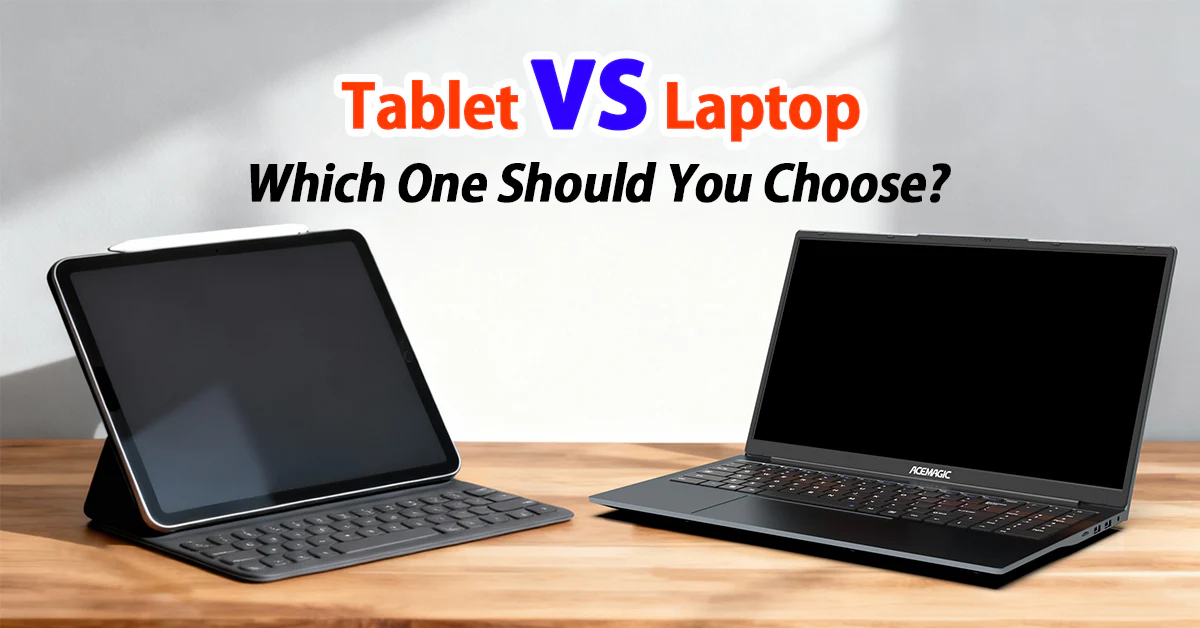
Choosing between a tablet and a laptop has become increasingly difficult in recent years. Modern tablets are more powerful than ever, while laptops are becoming thinner, lighter, and more portable. In 2026, the gap between the two has narrowed significantly—but they still serve different needs.
This detailed guide will help you understand the differences, strengths, weaknesses, and ideal use cases of tablets and laptops so you can make the right decision.
1. Introduction: The Modern Computing Dilemma
A decade ago, the choice was simple:
- Tablets were for casual browsing, reading, and entertainment
- Laptops were for serious work, productivity, and software development
Today, that line is blurred.
Devices like the Apple iPad Pro and Microsoft Surface Pro can replace laptops for many users. At the same time, ultrabooks and lightweight laptops are now extremely portable and long-lasting.
So the real question is no longer “Which is better?” but rather “Which is better for YOU?”
2. What is a Tablet?
A tablet is a flat, touchscreen-based computing device that usually does not include a physical keyboard by default. It is designed for:
- Touch interaction
- Media consumption
- Portability
- Simple productivity tasks
Popular examples include:
- Apple iPad lineup
- Samsung Galaxy Tab series
- Amazon Fire tablets
Tablets rely heavily on mobile operating systems such as iPadOS or Android.
3. What is a Laptop?
A laptop is a portable personal computer with a built-in keyboard, trackpad, and screen. It is designed for:
- Professional work
- Software development
- Multitasking
- Heavy computing tasks
Popular examples include:
- MacBook series from Apple
- Surface Laptop series from Microsoft
- Dell XPS, HP Spectre, Lenovo ThinkPad
Laptops run full desktop operating systems like Windows, macOS, or Linux.
4. Design and Portability
Tablets
Tablets are extremely lightweight and thin. Most weigh under 600 grams, making them easy to carry anywhere. They are ideal for:
- Travel
- Reading in bed
- Casual use on the go
Their compact size makes them very convenient.
Laptops
Laptops are heavier but still portable. Ultrabooks are now as light as 1–1.5 kg, but they still require a bag.
However, laptops offer:
- Built-in keyboard
- Larger screen
- Better airflow for performance
Winner: Tablet (for portability)
5. Performance Comparison
Performance is one of the biggest differences.
Tablets
Modern tablets use mobile processors like Apple’s M-series chips or high-end Snapdragon processors. They are powerful but still optimized for mobile workloads.
Good for:
- Browsing
- Streaming
- Light editing
- Gaming (mobile games)
Laptops
Laptops use full desktop-grade CPUs and GPUs. They handle:
- Video editing
- 3D rendering
- Programming
- Heavy multitasking
- Professional software
A high-end laptop easily outperforms any tablet in sustained workloads.
Winner: Laptop (for performance)
6. Operating System and Software
Tablets
- iPadOS (Apple)
- Android (Samsung and others)
Limitations:
- Limited desktop-class software
- Multitasking restrictions
- App versions are often simplified
Laptops
- Windows
- macOS
- Linux
Advantages:
- Full desktop applications
- Advanced multitasking
- Professional tools like Photoshop, AutoCAD, IDEs
If your work depends on specialized software, laptops are essential.
Winner: Laptop
7. Productivity and Work Efficiency
Tablets
Tablets are improving in productivity thanks to keyboard attachments and stylus support.
Best for:
- Note-taking
- Presentations
- Light document editing
With accessories like Apple Pencil or keyboard cases, tablets become hybrid devices.
Laptops
Laptops are still the productivity kings.
They offer:
- Fast typing
- Multitasking with multiple windows
- Shortcut keys
- Better file management
Winner: Laptop
8. Entertainment and Media Consumption
Tablets
Tablets excel in entertainment:
- Watching movies
- Reading ebooks
- Browsing social media
- Casual gaming
The touchscreen experience makes them more immersive.
Laptops
Laptops also handle entertainment well but are less convenient to hold or use casually.
Winner: Tablet
9. Gaming Experience
Tablets
- Great for mobile games
- Limited AAA gaming support
- Touch-based controls dominate
Laptops
- Support for PC games (Steam, Epic Games)
- Dedicated GPUs available
- Better graphics performance
Winner: Laptop (by a large margin)
10. Battery Life
Tablets
Tablets generally last 8–12 hours easily due to efficient mobile processors.
Laptops
Battery life varies:
- Basic laptops: 6–10 hours
- High-performance laptops: 4–8 hours
However, modern energy-efficient laptops are improving.
Winner: Tablet
11. Price Comparison
Tablets
- Entry-level: Affordable
- Mid-range: Moderate
- High-end (like iPad Pro): Expensive
Accessories (keyboard, stylus) increase cost significantly.
Laptops
- Budget laptops: Affordable
- Mid-range ultrabooks: Moderate to expensive
- High-performance laptops: Expensive
Overall:
- Tablets are cheaper initially
- Laptops offer better value for productivity
12. Input Methods
Tablets
- Touchscreen
- Stylus
- Optional keyboard
Laptops
- Physical keyboard
- Trackpad
- Optional touchscreen (some models)
Winner: Laptop (for typing efficiency)
13. File Management
Tablets
File management is limited and simplified. Users rely on cloud storage and app-based file systems.
Laptops
Laptops provide full file system access:
- Drag and drop
- External drives
- Advanced organization
Winner: Laptop
14. Creativity and Design Work
Tablets
Tablets are excellent for:
- Digital drawing
- Sketching
- Animation (basic to intermediate)
Devices like iPad + Apple Pencil are popular among artists.
Laptops
Laptops dominate in:
- Professional video editing
- 3D modeling
- Advanced graphic design
Winner: Depends
- Tablets: artists & sketching
- Laptops: professionals
15. Multitasking Ability
Tablets
Split-screen multitasking exists but is still limited.
Laptops
Laptops support:
- Multiple windows
- Virtual desktops
- Advanced workflow management
Winner: Laptop
16. Durability and Longevity
Tablets
- Fewer moving parts
- More fragile screen
- Battery degradation over time
Laptops
- More upgrade options (in some models)
- Better repairability
- Stronger build in business models
Winner: Laptop
17. Use Case Scenarios
Choose a Tablet if you:
- Travel frequently
- Watch movies or YouTube often
- Prefer lightweight devices
- Do light work or studying
- Enjoy drawing or note-taking
Choose a Laptop if you:
- Work professionally
- Study engineering, IT, or business
- Do programming or coding
- Edit videos or photos
- Need multitasking power
18. Hybrid Devices: The Middle Ground
Devices like the Microsoft Surface lineup blur the line between tablets and laptops. These 2-in-1 devices offer:
- Touchscreen tablet mode
- Full laptop experience
- Stylus support
Similarly, Apple’s iPad Pro with keyboard accessories tries to replace laptops—but still has software limitations.
19. Advantages and Disadvantages Summary
Tablets – Advantages
- Lightweight
- Long battery life
- Easy to use
- Great for media consumption
- Portable
Tablets – Disadvantages
- Limited software
- Not ideal for heavy work
- Smaller screen (in most cases)
Laptops – Advantages
- Powerful performance
- Full software support
- Better multitasking
- Suitable for professional work
Laptops – Disadvantages
- Heavier
- Shorter battery life (on average)
- Less portable
20. Future of Tablets and Laptops
The future is moving toward convergence:
- Tablets are becoming more powerful
- Laptops are becoming lighter and more touch-friendly
- Cloud computing is reducing hardware dependence
- AI integration is improving productivity on both devices
We may eventually see a single device category that replaces both.
Conclusion: Which One Should You Buy?
There is no universal winner.
- If you want portability, entertainment, and simplicity → choose a tablet
- If you want power, productivity, and flexibility → choose a laptop
In many cases, the best solution is a combination of both.
For students, professionals, and creators, a laptop remains the primary device. For casual users, travelers, and media lovers, a tablet may be more enjoyable.
The right choice depends entirely on your lifestyle—not just specifications.